The VBOX Micro can be powered from two different types of power source, via the 2 way PWR input socket.
- Vehicle power outlet socket (via a supplied cigar lighter power cable RLCAB060)
- Battery power, (Racelogic 2Ah Battery pack RLACS110)
NOTE
You must connect the GPS antenna before connecting power to the VBOX Micro. This is necessary because on power-up the VBOX Micro will look for a connected GPS antenna and automatically adjust its gain for optimum performance.
See technical specification page for voltage input range.
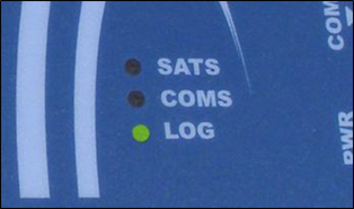
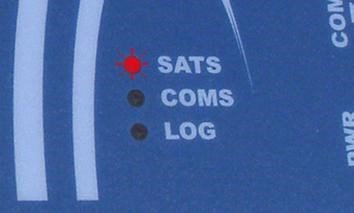
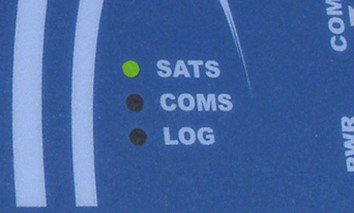
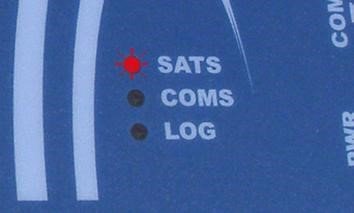
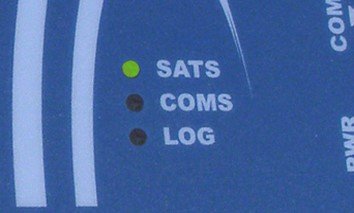
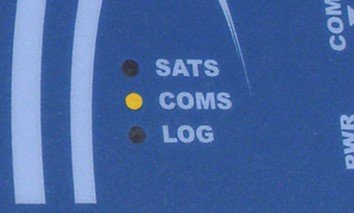
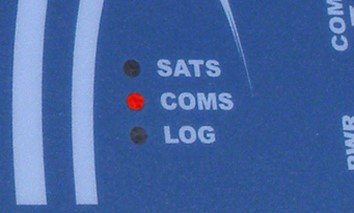
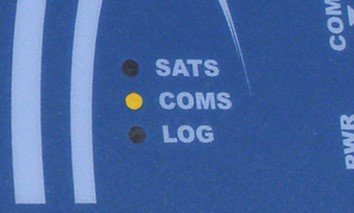
There are three LED indicators on the top panel of the VBOX Micro: SATS, COMS and LOG.
Flashing red to indicate that satellite lock has NOT been attained, solid green light to indicate a valid satellite lock.
Illuminates red to indicate configuration communications via USB, illuminates yellow to indicate CAN communications.
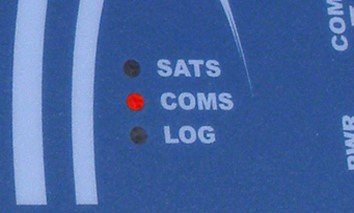
Illuminates green indicating data is being logged to the CF card.