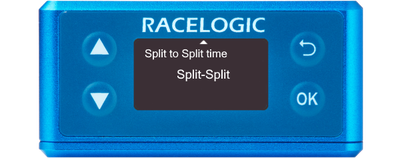
- You can access the menu by pressing the OK button.
- Use the Up and Down arrows to navigate through the menu and press the OK button to enter a submenu or change a setting.
- When editing a setting, the Up and Down buttons will let you scroll through the available options for that setting and the OK button will confirm your selection.
- Use the Back button to exit a setting.
This menu can be used to configure test/lap timing settings.
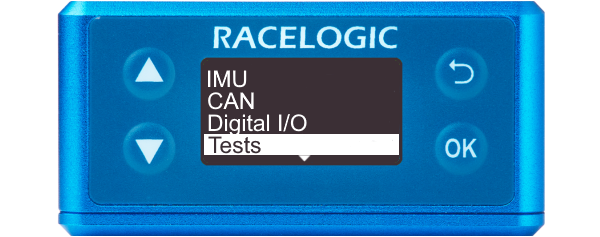
This menu can be used to configure test/lap timing settings.
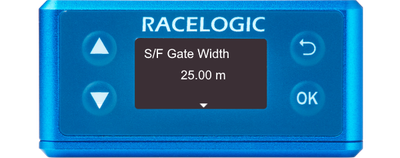
Defines the width of any gates set up to 99.99 m (25 m by default).
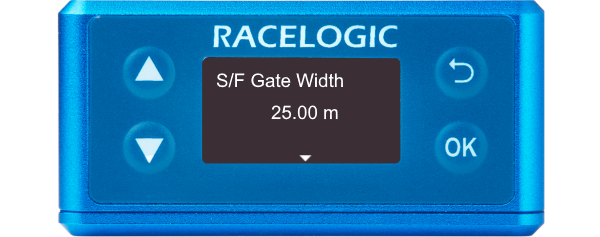
Defines the width of any gates set up to 99.99 m (25 m by default).
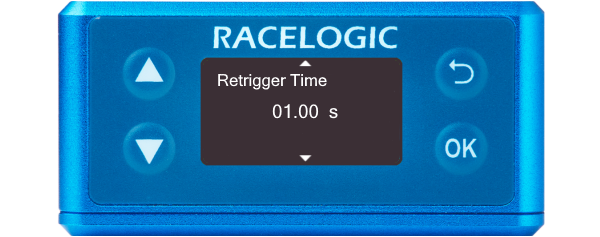
Defines the minimum time between triggers for the second trigger to be valid. If a trigger is detected before this time, it will be ignored (1 s by default).
Defines the minimum time between triggers for the second trigger to be valid. If a trigger is detected before this time, it will be ignored (1 s by default).
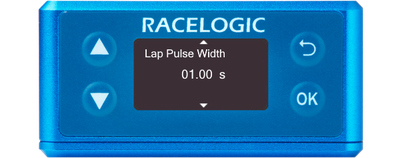
Defines the width of the pulse emitted when crossing a lap or split timeline (1 s by default).
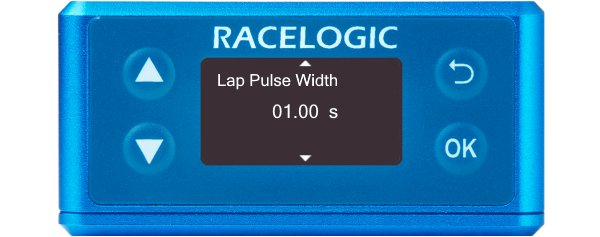
Defines the width of the pulse emitted when crossing a lap or split timeline (1 s by default).
Determines whether the 'Split Time' CAN channel is either the total lap time at the point of crossing the split line or the delta time between split lines.
SF - Split or Split - Split
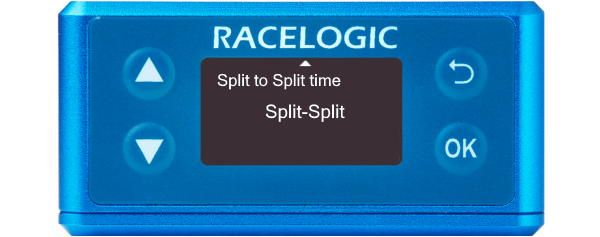
Determines whether the 'Split Time' CAN channel is either the total lap time at the point of crossing the split line or the delta time between split lines.
SF - Split or Split - Split